
FREQUENTLY ASKED QUESTIONS ABOUT HPE NETWORKING INSTANT ON
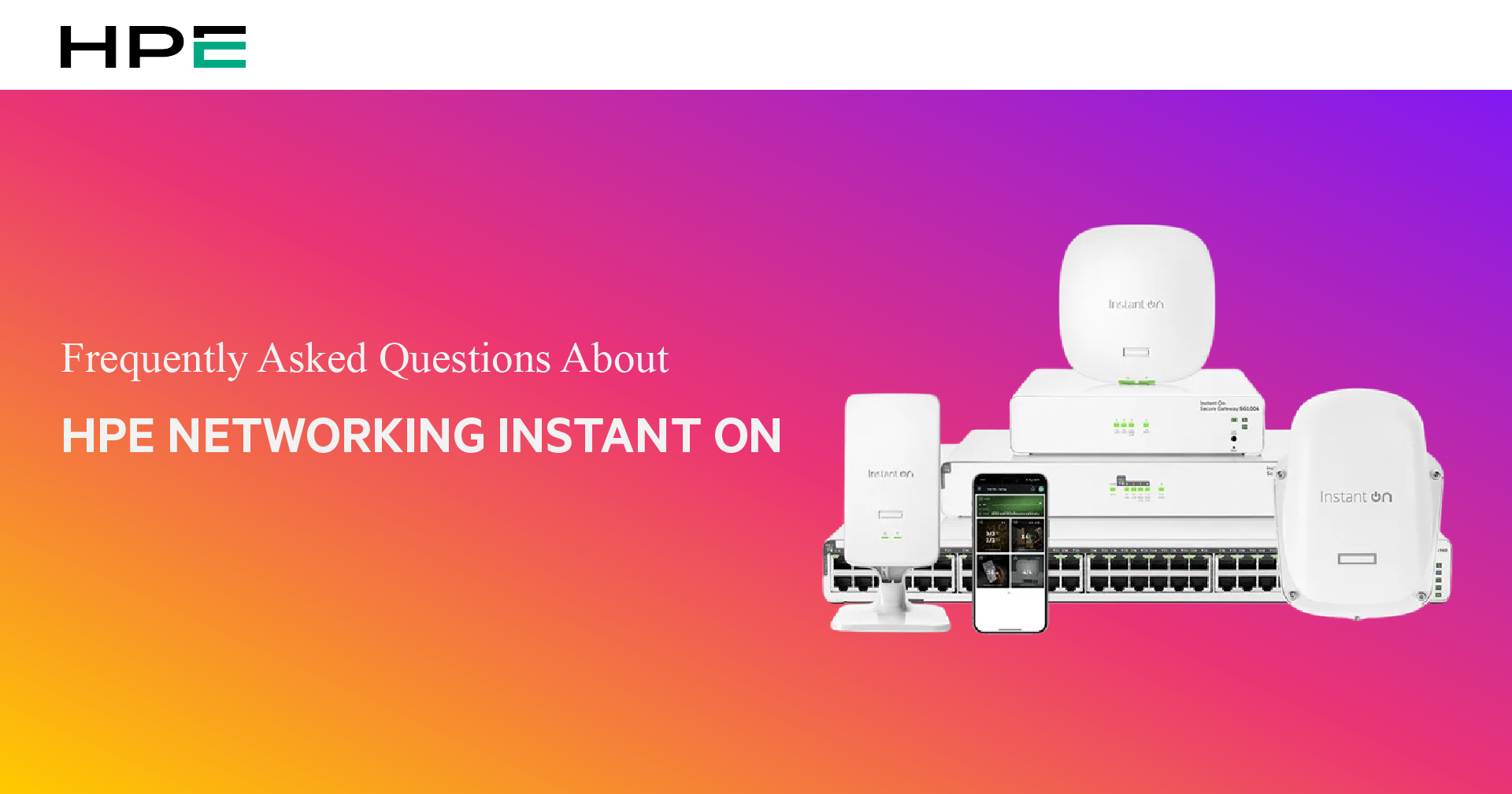
If you own HPE Networking Instant On devices, you may encounter some questions during use. The article below will help you answer the most common queries regarding HPE Networking Instant On. Let’s find out now!
1. How to configure HPE Instant On networking devices via computer (Web Portal)
Many users wonder whether it is possible to install and configure HPE Instant On devices through a web interface. The answer is: ABSOLUTELY YES.
Accordingly, users can not only configure HPE Instant On devices using a mobile app but can also set up the system via a web browser on a PC/Laptop. In fact, installing HPE Instant On via computer allows for more detailed monitoring and deeper configuration.
How to do it: Access the address portal.hpeinstanton.com to start the configuration.
Pro tip: Use the Bookmark feature on your browser for quick access to the Cloud management system in the future.
2. Automatic HPE Instant On warranty activation process
With HPE Instant On networking devices, users do not need to perform complicated manual registration procedures. Instead, as soon as you successfully create an account and activate the device for the first time on the Cloud, HPE’s system will automatically record the data and activate the warranty.
3. Secrets to installing Access Points (AP) for the strongest Wi-Fi signal
Installation location is one of the most important factors in ensuring the strongest Wi-Fi signal, high network speed, and stability. Here are the secrets for you:
Priority location: Install in a central, open space.
Limit obstacles: Avoid placing near thick partitions, iron cabinets, or large mirrors/glass.
Installation technique: It is recommended to mount the device on the ceiling or high up on a wall (about 2.5m – 3m). The design of Instant On APs allows the signal to radiate 360 degrees, covering your entire office or store.
4. Granting management rights (Site Management) to customers and technicians
If you are an IT deployment unit (Managed Service Provider), the permission feature of HPE Instant On is a huge plus that makes managing multiple locations easy:
Flexible permissions: You can create up to 03 administrator accounts for the same site.
High security: The system supports an “account lock” feature to prevent non-expert users from accidentally interfering deeply with the configuration and causing connection loss.
How to do it: Access Site Management settings to add, remove, or change the access rights of members.
5. Is Internet mandatory to use HPE Instant On?
Yes. An internet connection is required to register and install your Instant On devices using the mobile app or the web portal. Once connected, setup becomes extremely fast.
Above are the frequently asked questions about HPE Networking Instant On. Don’t forget to contact TID if you need any further answers!


